
Write subtitles beside project media
Write saved text beside media in a writable directory project, review overwrites, and retry registration separately if needed.
Before you start
Use an account directory project with the intended original folder connected and writable. File-input folder selection alone cannot grant write access. Review required directory synchronization first. A download is the fallback when writing is unavailable.
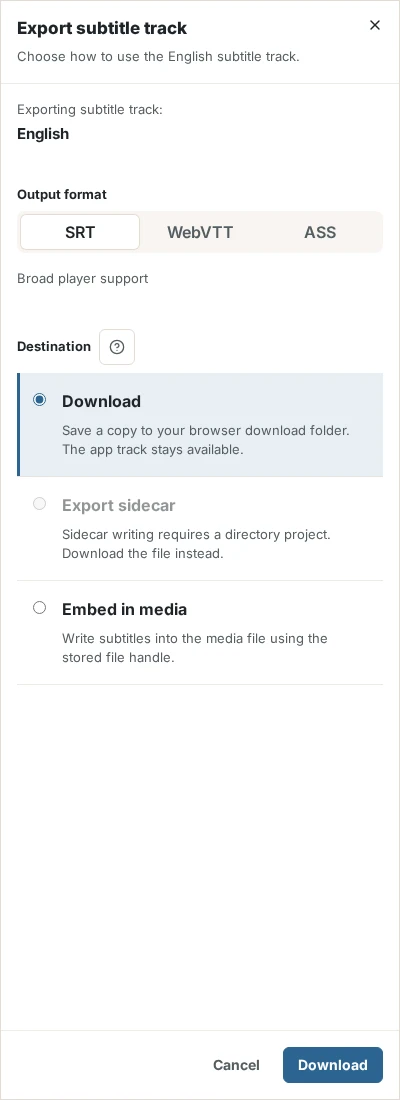
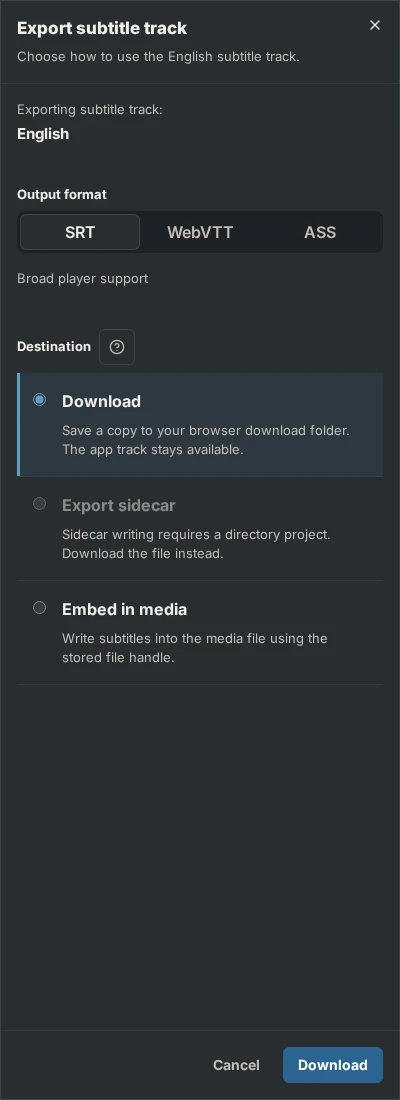
Write the sidecar beside the media
Open the export
Open export for the saved document or a successful operation result. Choose SRT, WebVTT or ASS, then Export sidecar. Check that the destination path belongs to the intended project and media file.
Review existing files and write
Start writing. If the existing file is identical, no overwrite is needed. If it differs, confirm replacement only after checking it. Selected results are written one after another; a later failure does not undo earlier successes. Keep the export view open until verification and registration finish.
If the file was written but inventory registration failed, use registration-only retry. Do not rewrite successful files unnecessarily.
Result
The selected subtitle file exists beside the matching media. The source asset remains its producer.
Check the result
Inspect the file on your device, then open the media page to confirm the checked sidecar entry. Load it with its media in a player. The media bytes are unchanged.
If something goes wrong
Keep the saved subtitle document if export fails. Read the destination’s error and restore its file access or permissions before trying again. A new AI operation cannot repair an output path or write permission. Follow export recovery.