
Download saved subtitles and results
Export the saved editor document or an operation result as SRT, WebVTT or ASS, with multiple results in one ZIP.
Before you start
Have a readable saved subtitle document or a successful operation result. Downloads need no original media and use no credits. Writing beside or into media has additional project, source and permission requirements.
Choose the content and download it
Choose the content to export
In the editor, choose Export. Export waits for autosave and captures the saved document. In an operation, choose Export subtitles for its saved stage result. That result contains the original operation output; to include later edits, export from the editor.
A conflict or uncertain save must be resolved before exporting current editor changes.
Choose format and download
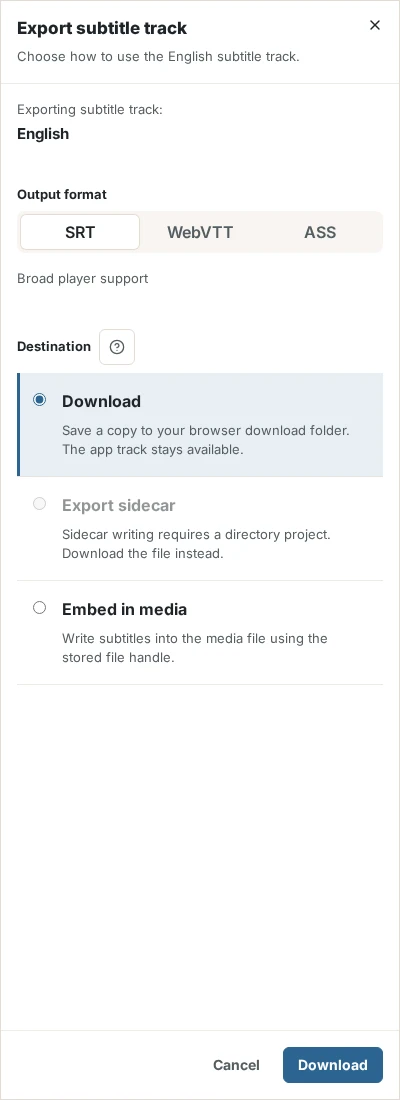
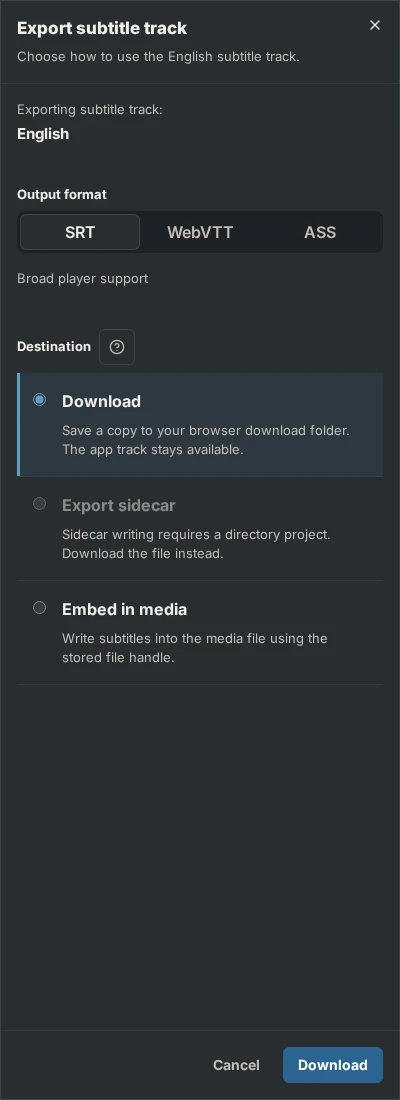
Choose SRT, WebVTT or ASS under Output format, and keep Download as destination. In the editor select Download. Operation results also offer a download action for the selected successes.
Inspect a single file or ZIP
One result downloads as a subtitle file. Several selected results download together as a ZIP with project-relative folders. The browser’s download settings determine where the file is saved; SubFT does not open a location picker. Open the ZIP to inspect its subtitle files. ZIP and the CLI’s JSON envelope are packaging, not subtitle formats.
Result
The browser receives the selected files. No original media or sidecar is overwritten by a download.
Check the result
Open the downloaded subtitle in a text editor or player. Check its language, corrected cues and timing. For a batch, inspect each subtitle inside the ZIP. You can export the saved document or result again if needed.
If something goes wrong
Keep the saved subtitle document if export fails. Read the destination’s error and restore its file access or permissions before trying again. A new AI operation cannot repair an output path or write permission. Follow export recovery.