
Recover an interrupted or failed export
Find which export step failed, keep successful files and backups, and retry only writing or registration as needed.
Before you start
Have a readable saved subtitle document or a successful operation result. Downloads need no original media and use no credits. Writing beside or into media has additional project, source and permission requirements.
Find the failure and retry the right step
Determine what failed
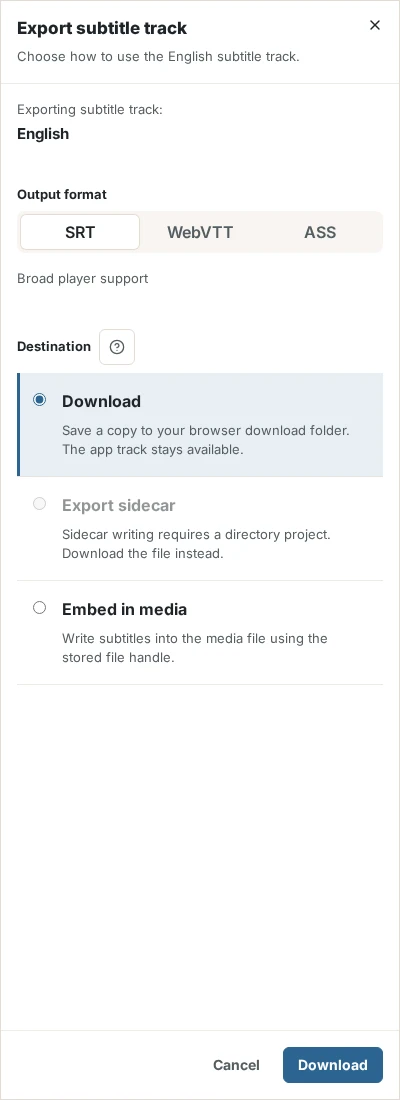
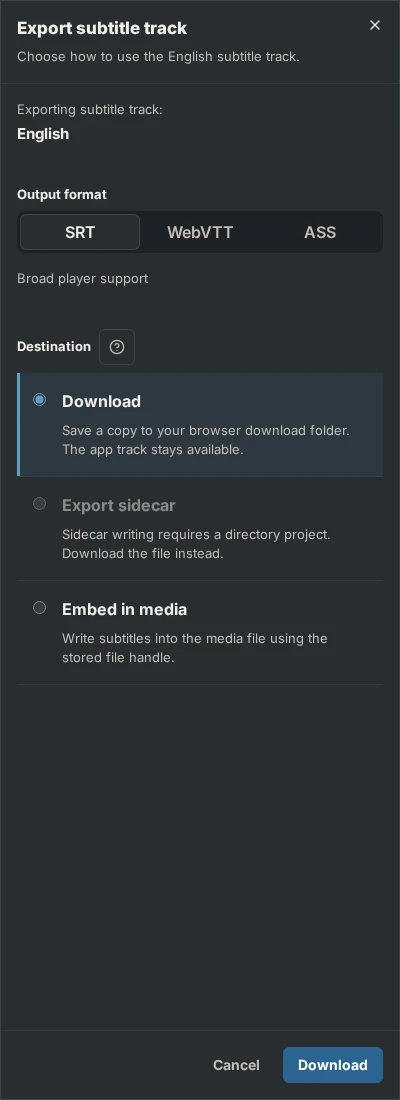
Read the error and export phase. Did download, sidecar writing, embedding or registration fail? For several results, check which files already succeeded before retrying.
Restore destination requirements
Check the browser’s download list and blocked-download settings. For local writes, reconnect the original, grant write permission and complete required folder synchronization. Before embedding, inspect any existing backup and available space. Keep recovery backups until you know they are no longer needed.
Retry the appropriate step
If writing was verified but registration failed, use the offered registration retry. It avoids rewriting the file. A caught embedding failure attempts backup restoration; if that also fails, keep the backup and inspect the original manually. Earlier successful writes remain.
Result
The intended output is verified or the remaining failure is isolated without discarding saved subtitles or earlier successful files.
Check the result
Open the output and compare language, timing and contents with the selected snapshot. For writes check the resulting physical asset; for embedding test the media streams. A new AI operation is unnecessary for a destination failure.
If something goes wrong
If local writing is unsupported, download subtitles and place them with your media outside SubFT. If saving was never acknowledged, first resolve editor saving. Contact support with the operation/export reference and machine-readable failure code, without sharing API secrets.